

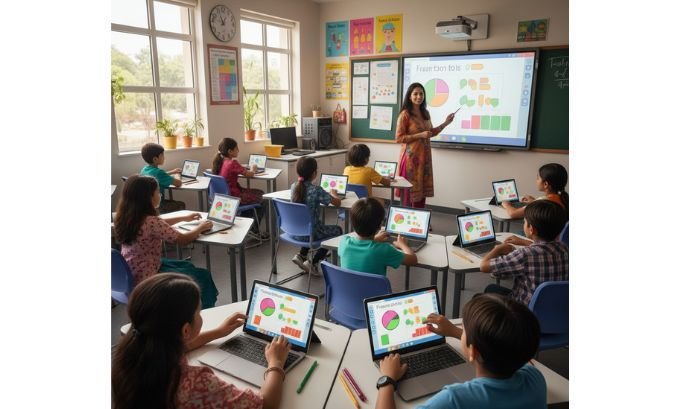
Choosing the right distance learning resources can feel like searching for a needle in a haystack. For educators, parents, and students, the goal is simple: find tools that make learning effective, engaging, and accessible from anywhere. The best resources do more than just deliver content; they create interactive experiences built on powerful, standardized technology.
This guide provides a fresh look at the top platforms and the frameworks that make them tick. We’ll explore practical tools like Brainingcamp and K5 Math Resources while demystifying the technical standards like SCORM and XML that ensure a seamless digital classroom. Understanding both the tools and their underlying structure is the key to building a truly effective remote learning strategy.
Table of Contents
Navigating the World of K-5 Digital Math Resources
Finding high-quality math resources for elementary students presents a unique challenge. Young learners need tools that transform abstract numbers and shapes into concrete, interactive experiences. The most effective distance learning resources for this age group blend fun with foundational learning, making complex topics approachable and enjoyable.
Platforms in this space range from free printable libraries to immersive, game-like environments. For instance, K5 Math Resources offers a treasure trove of no-cost materials perfect for reinforcing concepts, while DataMap uses storytelling to connect math to the world around us. Let’s examine some standout resources that are changing how K-5 students learn math online.
A Teacher’s Journey into Digital Math Instruction
When my school district announced a shift to hybrid learning, my first thought was about my third-graders. How could I replicate the collaborative, hands-on energy of our math block through a screen? My quest for the best distance learning resources led me down a path of trial, error, and ultimately, discovery.
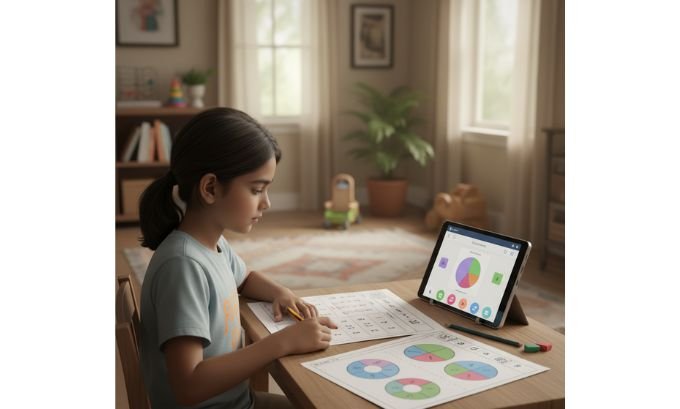
I began by exploring free options. K5 Math Resources became my go-to for creating supplemental practice packets. Their worksheets on multiplication and geometry were clear, well-structured, and easy for parents to print at home. I would often use their materials to create quick, five-minute bell ringers, which I’d post on our class portal to get the day started.
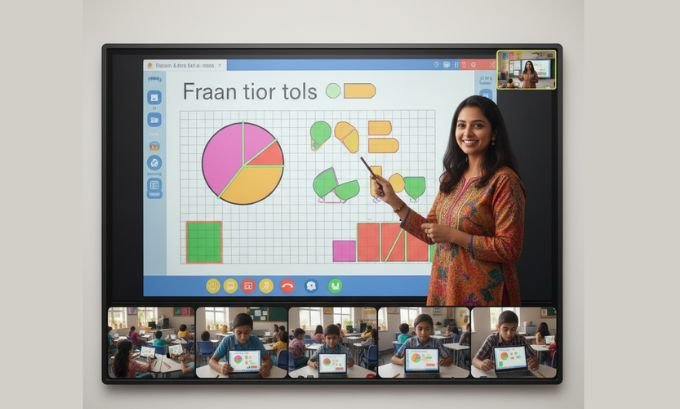
However, I soon realized that static worksheets weren’t enough to hold my students’ attention. They missed our classroom’s collection of colorful manipulatives. This led me to Brainingcamp, a platform that provides a digital sandbox of virtual tools. During a lesson on fractions, I introduced the virtual fraction tiles. For the first time, a student who had been struggling to grasp equivalent fractions had a breakthrough. By dragging and comparing the digital tiles, she could see that two-fourths was the same as one-half. It was a powerful reminder that the right tool can unlock understanding.
Later in the year, I wanted to connect math to other subjects. I subscribed to DataMap, Scholastic’s interactive math magazine. We read an article about the mathematics behind animal migrations. The combination of compelling visuals, real-world data, and related math problems captivated my students. It transformed math from a series of abstract calculations into a tool for understanding the world.
Strengths: What Makes These Resources Shine?
- Conceptual Understanding: Platforms like Brainingcamp excel at helping students visualize abstract mathematical concepts, fostering deeper learning beyond rote memorization.
- Real-World Context: Tools such as DataMap integrate math with literacy and science, showing students how numbers apply in real-life scenarios.
- Cost-Effectiveness: The availability of high-quality free materials from sites like K5 Math Resources ensures that all students can access support, regardless of school or family budgets.
- Structured Learning: Many resources, guided by principles similar to those used by Ohio SchoolNet, are aligned with curriculum standards, making them easy for teachers to integrate into established lesson plans.
Areas for Improvement: A Realistic Look
- The Subscription Hurdle: Premium resources like Mathletics Box and DataMap come with a subscription fee. This can be a significant obstacle for underfunded schools or individual families.
- The Digital Divide: Interactive, media-rich platforms require reliable internet and modern devices. The digital divide remains a real challenge, and students without adequate access can be left behind.
- Steep Learning Curves: While powerful, some platforms are not immediately intuitive. Without proper professional development or clear tutorials, teachers may not use these tools to their full potential.
- Potential for Distraction: Game-based learning is engaging, but it can sometimes lead to students focusing more on the game mechanics than the underlying educational content if not implemented carefully.
The Architecture of Modern Digital Education
The best distance learning resources don’t exist in isolation. They are part of a larger ecosystem designed for interoperability—the ability for different systems and content to work together seamlessly. This architecture is what allows an educator to build a custom curriculum using content from multiple creators.
The foundation of this system is the Learning Object. As defined by researchers like Stephen Downes, a Learning Object is a small, reusable piece of digital content created to meet a specific learning goal. It could be a video tutorial, a simulation, or an interactive quiz.
To ensure these objects can be shared and used across different platforms, the industry relies on standards. The SCORM (Sharable Content Object Reference Model) is a critical framework that dictates how Learning Objects are packaged and communicate with a Learning Management System (LMS). This standard is championed by organizations like the IMS Global Learning Consortium, which works to create a universal language for educational technology.
From Theory to Practice: How Interoperability Transforms Learning
Let’s consider a practical example. A high school history department wants to create a dynamic online course on World War II. Instead of being locked into a single textbook or publisher, they want to curate the best materials available.
Their school’s LMS is SCORM-compliant. The lead teacher, Mr. Harris, finds a compelling documentary series from a museum, packaged as a set of Learning Objects. He easily uploads them into the LMS. Next, he discovers an interactive map simulation from a university that allows students to explore key battles. Because it’s also a SCORM package, it integrates flawlessly.
Mr. Harris then creates his own assessments using a quiz tool. The tool exports the quizzes as SCORM-compliant Learning Objects. Within each of these packages, an XML (Extensible Markup Language) file structures the content. This file contains tags like <question>, <answer>, and <feedback>, allowing the LMS to read, display, and grade the quiz automatically.
Thanks to these shared standards, Mr. Harris can assemble a rich, multi-faceted course. When a student finishes the documentary video, that Learning Object reports the completion status to the LMS, which might then unlock the interactive map simulation. This level of automation, customization, and quality control is the direct result of the frameworks established by the IMS Global Learning Consortium and the vision of pioneers like Stephen Downes, who imagined an educational landscape where content could be freely shared and remixed.
A Comparative Look at Key Math Platforms
Choosing the right tool depends on your specific goals. Are you looking for daily practice, conceptual exploration, or hands-on activities? This table provides a clear comparison of some leading distance learning resources for K-5 math.
| Resource | Core Offering | Pricing Structure | Ideal Educational Scenario |
|---|---|---|---|
| K5 Math Resources | Printable worksheets and reading comprehension passages | Free | Homework, in-class practice, and easily accessible materials for substitute teachers. |
| Brainingcamp | Suite of virtual math manipulatives | Subscription-based with a free trial | Modeling concepts during live lessons and providing students with tools for independent discovery. |
| DataMap (Scholastic) | Digital magazine with articles and math-based games | Subscription-based | Cross-curricular lessons that integrate math with science, social studies, and literacy. |
| Mathletics Box | Curated physical box with hands-on math activities | Subscription-based | Creating a blended learning model that combines screen time with tactile, hands-on projects. |
As the table illustrates, a blended approach is often the most effective. A teacher might use K5 Math Resources for foundational practice, Brainingcamp for interactive instruction, and DataMap for project-based learning.
Blueprint for an Engaging Digital Lesson
Let’s see how these pieces fit together in a practical lesson plan. Drawing inspiration from the structured templates provided by initiatives like Ohio SchoolNet, here is a sample plan for a fourth-grade lesson on area and perimeter.
Topic: Area and Perimeter
Grade Level: 4th
Learning Objective: Students will be able to differentiate between area and perimeter and calculate both for rectangular shapes.
Lesson Flow:
- Warm-Up (10 minutes):
- Hook: Begin with a short, engaging video from a Learning Object repository that asks: “If you were building a fence for a garden, what would you need to measure? What about if you were covering it with soil?”
- Turn-and-Talk: In breakout rooms, students discuss their answers.
- Conceptual Exploration (20 minutes):
- Tool: Use Brainingcamp‘s virtual geoboard and color tiles.
- Activity: On a shared screen, model how to build a rectangle. Use a different color to trace the outside border (perimeter) and another color to fill the inside (area).
- Guided Discovery: Give students dimensions for a rectangle (e.g., 4×6). Have them build it on their own geoboards, calculate the perimeter by counting the outside units, and find the area by counting the tiles inside.
- Reinforcement (15 minutes):
- Resource: Assign a targeted worksheet from K5 Math Resources that features various rectangles and asks students to calculate both area and perimeter.
- Differentiation: Students who finish early can move on to a challenge worksheet with irregular shapes.
- Real-World Connection (15 minutes):
- Resource: An activity from Mathletics Box or a similar resource that involves designing a floor plan for a dream bedroom.
- Activity: Students are given a total area (e.g., 120 square feet) and must design a rectangular room, calculating the perimeter to determine the length of baseboards needed.

- Exit Ticket (5 minutes):
- Tool: A two-question quiz created as a SCORM package.
- Questions:
- What is the difference between area and perimeter?
- A rectangle is 5 inches long and 3 inches wide. What is its area and perimeter?
- Assessment: The quiz is delivered via the LMS, and the results provide immediate feedback on student understanding.
This lesson structure demonstrates a modern, effective approach. It uses a variety of distance learning resources to move students from concrete exploration to abstract application, all while being managed and tracked within a standardized digital environment.
Frequently Asked Questions (FAQ)
1. What makes a distance learning resource effective?
An effective resource is engaging, user-friendly, and aligns with learning goals. Technically, it should be interoperable, meaning it can work with other systems. Standards like SCORM are crucial for this, ensuring content from different creators can integrate into a single learning platform.
2. Where can I find reliable, no-cost distance learning tools?
Many reputable organizations offer free resources. K5 Math Resources is excellent for printables. Khan Academy provides video lessons and practice exercises for all subjects. PBS LearningMedia also offers a rich library of standards-aligned videos, interactives, and lesson plans.
3. What exactly is a “Learning Object”?
Coined by researchers like Stephen Downes, a Learning Object is a modular, reusable digital asset designed to teach a specific concept. This could be a single video, a simulation, or a quiz. The idea is to break courses into small, mix-and-match components.
4. Why do educators talk about SCORM?
SCORM (Sharable Content Object Reference Model) is a technical standard that enables online learning content to “talk” to a Learning Management System (LMS). If content is SCORM-compliant, a teacher can be confident it will work on their school’s platform and track student progress correctly.
5. How can I keep my child engaged during online learning?
Variety is key. Mix up the learning activities by using different types of resources. Combine practice worksheets with interactive tools like Brainingcamp and story-based content from platforms like DataMap. Also, ensure your child has a dedicated learning space and takes regular screen breaks.
6. What is the IMS Global Learning Consortium?
The IMS Global Learning Consortium is a key non-profit organization that develops open technical standards for educational technology. Their work helps ensure that digital tools, content, and learning platforms can work together seamlessly, which benefits schools, teachers, and students.
7. How is XML used in educational technology?
XML (Extensible Markup Language) provides a structured way to format data. In the context of SCORM and Learning Objects, XML is used to create a manifest file that describes the content—its title, learning objectives, and structure—so an LMS can understand and manage it.
Conclusion
Mastering the landscape of distance learning resources is about more than just finding cool apps. It’s about understanding how to build a cohesive, engaging, and effective learning ecosystem. By thoughtfully combining high-quality content platforms like Brainingcamp, K5 Math Resources, and DataMap with the power of standardized frameworks like SCORM, educators can create truly personalized and impactful learning journeys.
The vision of a connected, interoperable educational world, championed by organizations like the IMS Global Learning Consortium and thinkers such as Stephen Downes, is now a reality. As you continue to build your digital teaching toolkit, focus on curating resources that not only capture attention but also foster deep, lasting understanding.
Take the next step today. Choose one new resource from this guide and think about how you can integrate it into an upcoming lesson to enhance student engagement and learning.
